
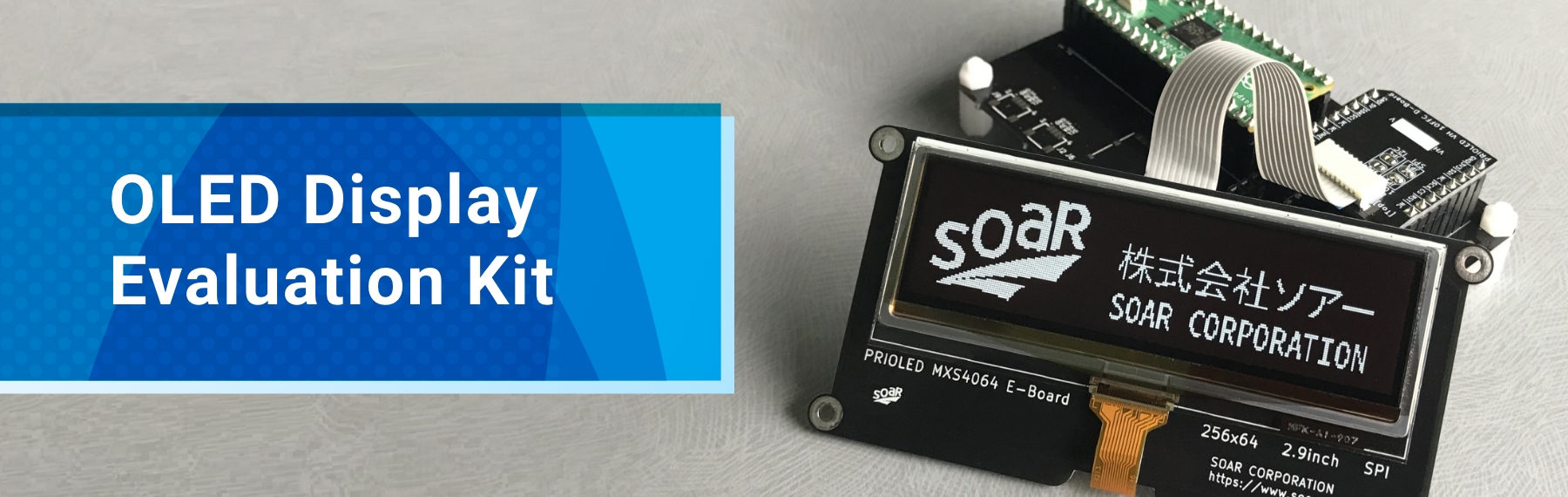
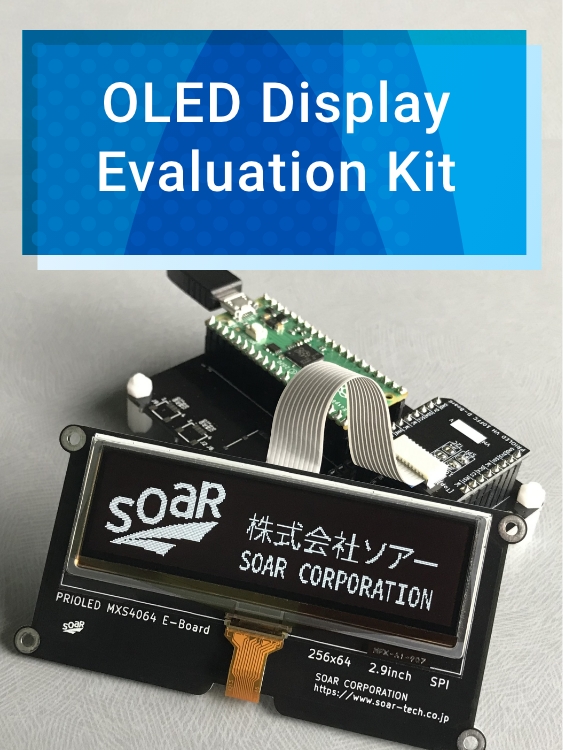
End-to-end support from display evaluation to embedded device
prototyping and UI development
Greatly reduces the setup time
for an evaluation environment
In addition, we offer software libraries compatible with Arduino, MicroPython, and Python.
With a hardware setup that connects easily without soldering and sample code that enables immediate operation, you can smoothly start evaluation, prototyping, and UI development, significantly reducing the burden in the early stages of development.
◆ Configuration Patterns
You can choose the optimal configuration from three options to match your development goals and evaluation environment: Pattern 1 (Easy Evaluation Starter Setup), Pattern 2 (Existing Environment or Development Setup), and Pattern 3 (Simple Minimal Setup).
- For those who want to quickly set up an evaluation environment
: Pattern 1 - For those who want to use existing boards
: Pattern 2 - For those who want simple connections for verification
: Pattern 3
Easy Evaluation Starter Setup
- Configuration
- Control Board + Display Evaluation Board
- Feature
- Enables a reliable evaluation environment using a pre-validated control board
- Purposes
- Display operation verification, lighting demo setup, and first-time display integration
Minimizing the hardware and software preparation, allowing you to smoothly start evaluation.
Existing Environment or Development Setup
- Configuration
- Off-the-shelf MCU / Development Boards + Interface Board + Display Evaluation Board
- Feature
- Enables flexible validation and development using existing development assets
- Purposes
- Functional evaluation, simple prototyping, and embedded development
Compatible with Arduino-supported boards and Raspberry Pi, enabling flexible display control and application development.
Simple Minimal Setup
- Configuration
- Off-the-shelf MCU / Development Boards + Display Evaluation Board (SPI/I²C models only)
- Feature
- Easy connection using the display evaluation board interface (mikroBUS-compatible pin headers)
- Purposes
- Simple evaluation, prototyping, and embedded development
Eliminating unnecessary components, allowing efficient validation and development with a minimal configuration.
◆ Block Diagram

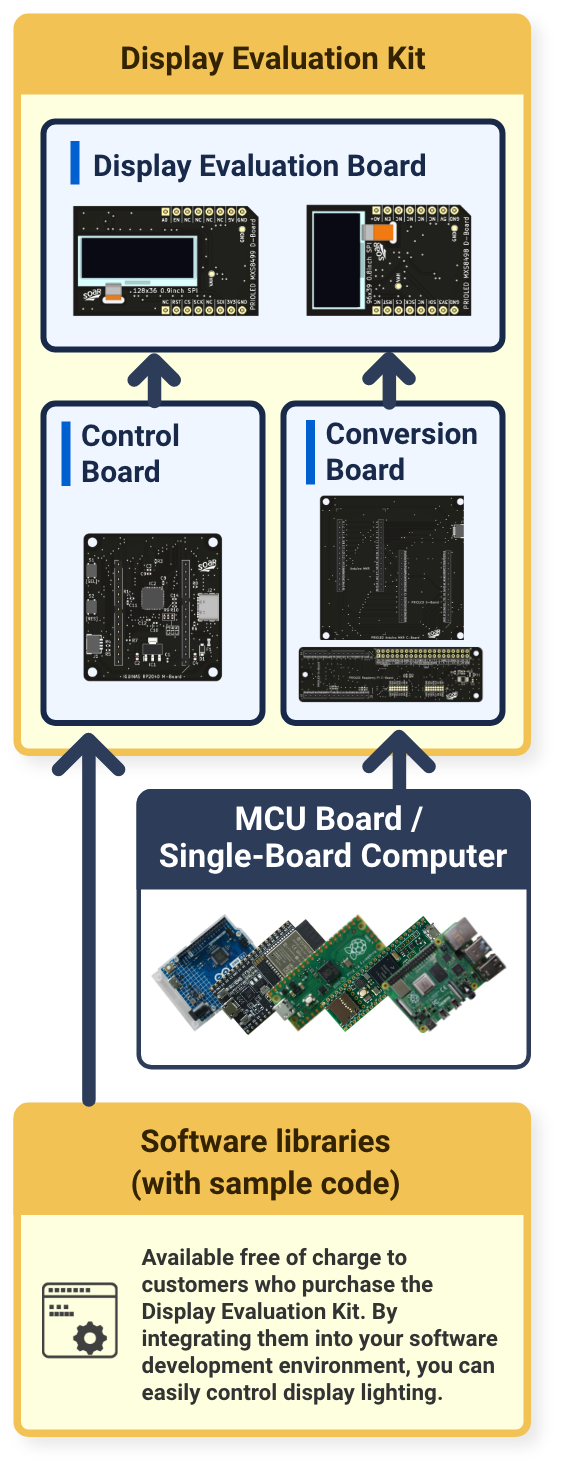
- *This block diagram includes a simple evaluation setup using a control board (Pattern 1), a development setup using existing MCU or development boards (Pattern 2), and a minimal setup connected directly to the display evaluation board (Pattern 3).
- *When using a single-board computer (such as a Raspberry Pi), it is also possible to operate independently without a PC.
◆ Display Evaluation Board
-

 Evaluation boards are available for all our standard models with the wide range of your display selection.
We offer a full lineup of display evaluation boards covering all standard models, including variations in interfaces such as SPI and I²C.
Evaluation boards are available for all our standard models with the wide range of your display selection.
We offer a full lineup of display evaluation boards covering all standard models, including variations in interfaces such as SPI and I²C.
Each board integrates the necessary peripheral circuits, allowing you to immediately begin display verification and evaluation.
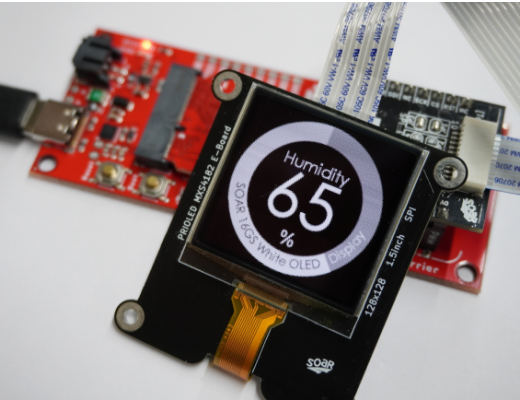
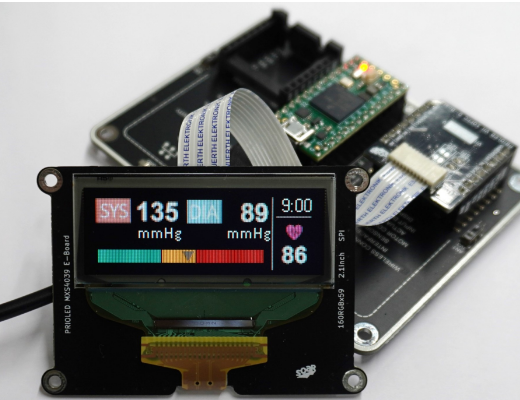
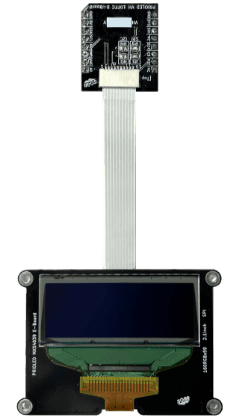
The display evaluation board consists of three components—E-Board, D-Board, and FFC—and can be reconfigured according to your application and development stage.
The E-Board is equipped with the display device and can operate independently. The D-Board handles power supply and connectivity to the control-side board.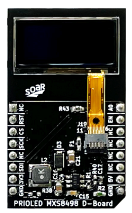
-

 Easy Connection without Soldering but with Pin Headers
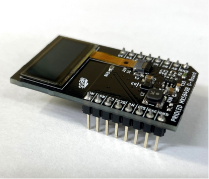
The display evaluation board is equipped with pin headers, allowing easy connection without the need for soldering.
Easy Connection without Soldering but with Pin Headers
The display evaluation board is equipped with pin headers, allowing easy connection without the need for soldering.
Serial interface models (SPI/I²C) feature mikroBUS-compatible pin headers, enabling direct connection not only to our control and interface boards but also to mikroBUS-enabled MCU and development boards (such as Click Shields), making it easy to verify and evaluate display operation.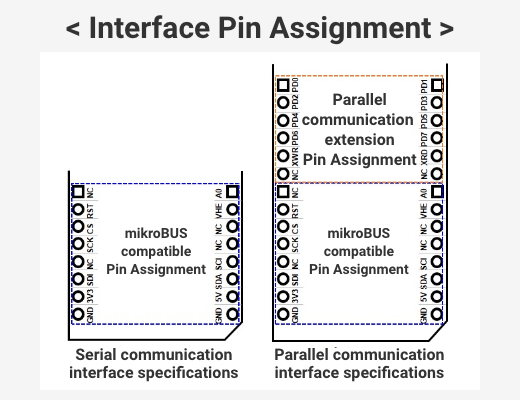
◆ Control Board /
Conversion Board
-

 Two types of boards prepared to meet evaluation environment construction needs.
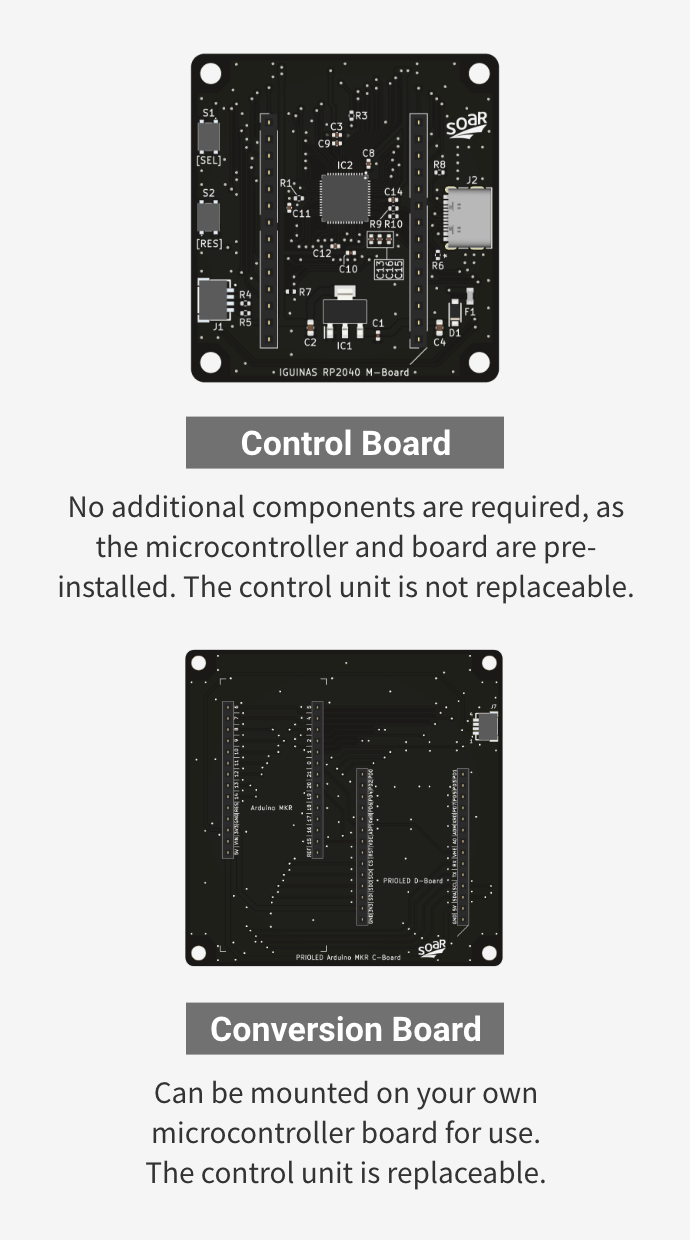
To suit different evaluation environments and development objectives, we offer two types of boards: a "Control Board" with a built-in control device, and an "Interface Board" designed for use with commercially available MCU and development boards.
Two types of boards prepared to meet evaluation environment construction needs.
To suit different evaluation environments and development objectives, we offer two types of boards: a "Control Board" with a built-in control device, and an "Interface Board" designed for use with commercially available MCU and development boards.
The Control Board allows you to quickly set up an evaluation environment without the need for additional components.
The Interface Board supports flexible evaluation and embedded development by leveraging existing development platforms such as Arduino UNO, Raspberry Pi Pico, and ESP32.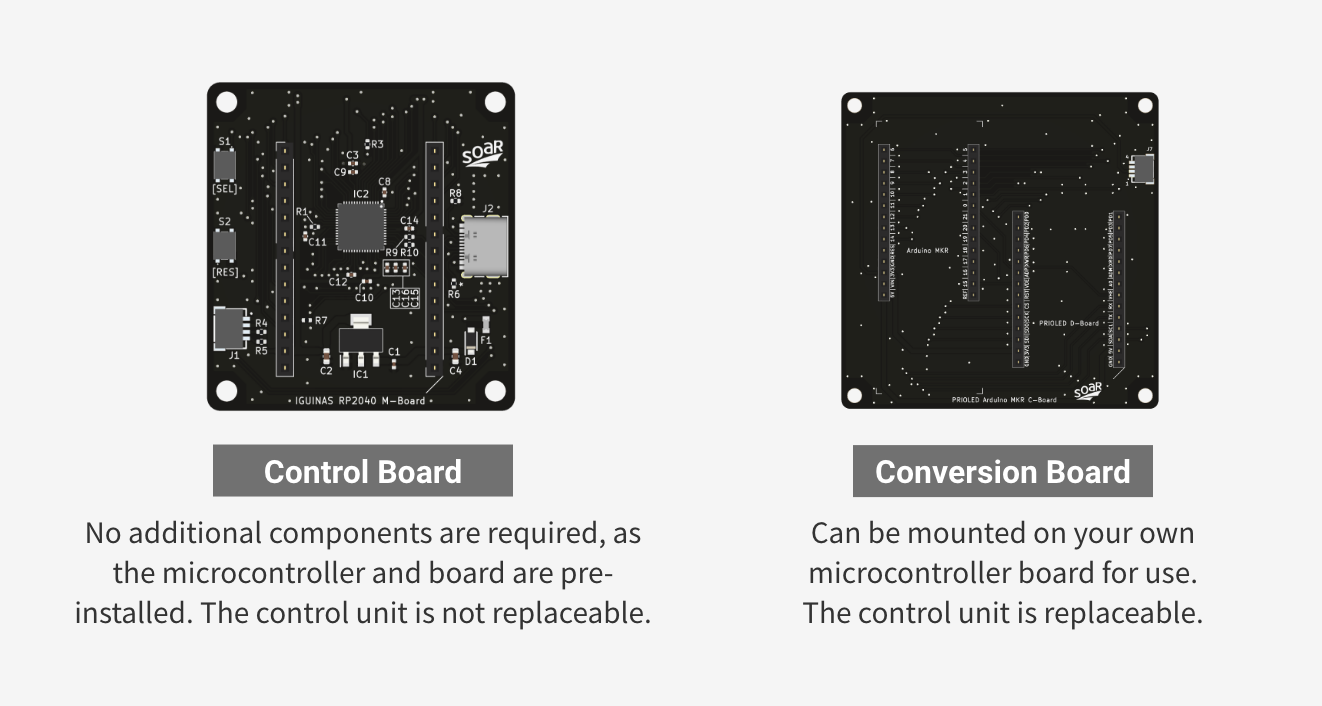
-

 Speedy Board-to-Board Connection with Pin Sockets
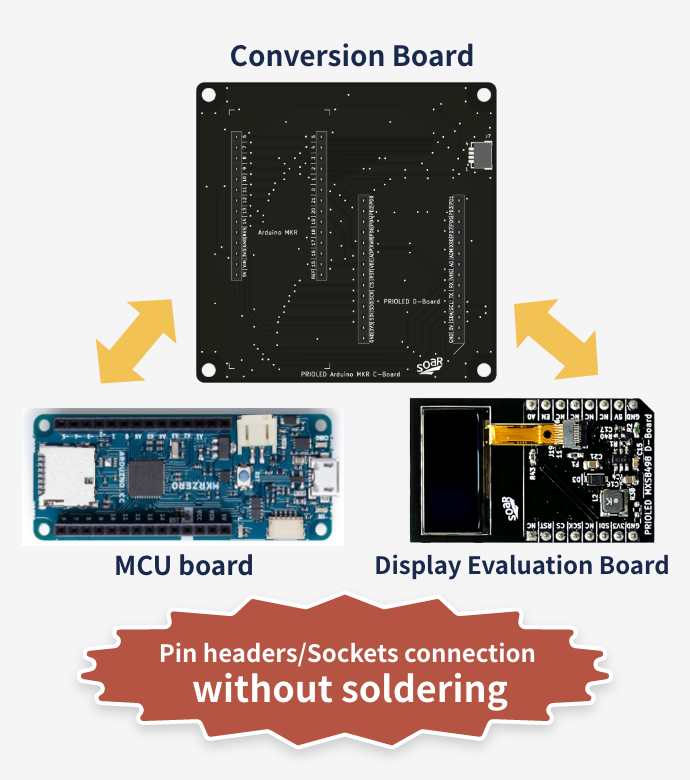
Each board is equipped with pin sockets and pin headers, enabling easy and fast solderless connections.
Speedy Board-to-Board Connection with Pin Sockets
Each board is equipped with pin sockets and pin headers, enabling easy and fast solderless connections.
Connections to the display evaluation board and commercially available MCU boards can also be made smoothly, allowing you to set up an evaluation environment in a short time and efficiently proceed with validation and development tasks.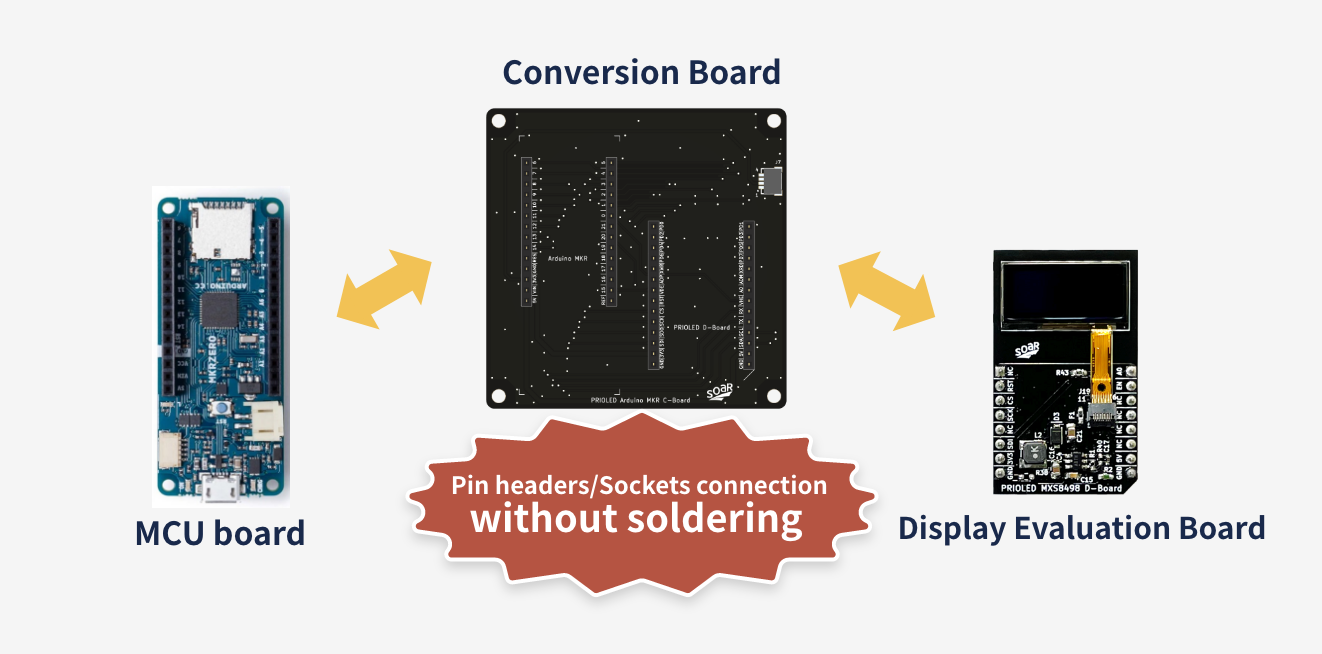
◆ Software Library
-

 Ready for evaluation immediately—no sample code modification required. Significantly reduces software implementation effort.
We provide software libraries compatible with Arduino, MicroPython, and Python free of charge to customers who purchase our display evaluation kits.
Ready for evaluation immediately—no sample code modification required. Significantly reduces software implementation effort.
We provide software libraries compatible with Arduino, MicroPython, and Python free of charge to customers who purchase our display evaluation kits.
The libraries include sample code pre-configured for the control-side hardware environment, allowing you to use programs such as initialization and display control as-is.
By using the sample code, you can perform display evaluation and operation verification without any code modifications.
This significantly reduces the effort required for initial setup and evaluation environment construction, enabling efficient progress from evaluation and verification to prototype development.For details on the supported control-side hardware environments and
Availability List of
compatible platforms, please refer to the table below.
Software Libraries
for Evaluation Kitsopen_in_new -

 Supports software features for embedded development
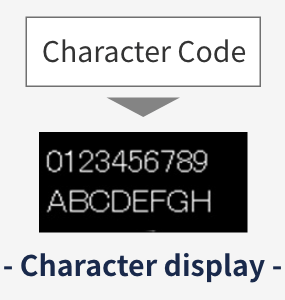
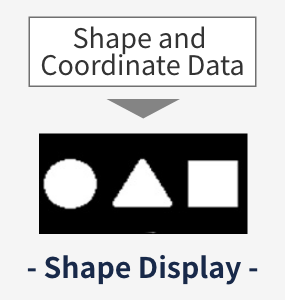
In addition to display initialization, the system supports image rendering (drawing arbitrary images), text rendering (displaying arbitrary text), and graphics rendering (drawing basic shapes such as points, lines, and rectangles) through integration with external libraries.
Supports software features for embedded development
In addition to display initialization, the system supports image rendering (drawing arbitrary images), text rendering (displaying arbitrary text), and graphics rendering (drawing basic shapes such as points, lines, and rectangles) through integration with external libraries.
By using these display functions, you can efficiently carry out prototyping and operation verification by combining the display evaluation kit with external devices such as sensor modules.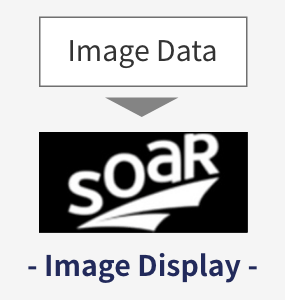
 Display Evaluation Board
-
MXS4039 Evaluation Board
 Display Spec Sheet160RGBx59dot 2.1inchInterface Spec SheetSPI
 -
MXS4145 Evaluation Board
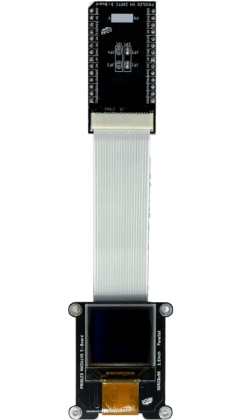 Display Spec Sheet96RGBx96dot 1.1inchInterface Spec SheetSPI or Parallel
 -
MXS8498 Evaluation Board
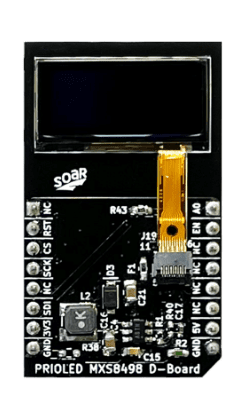 Display Spec Sheet96x39dot 0.8inchInterface Spec SheetSPI or I2C
 -
MXS4200 Evaluation Board
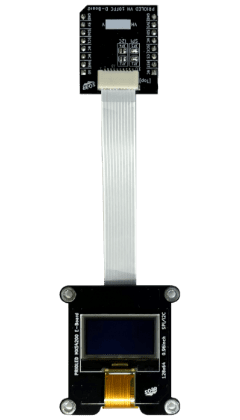 Display Spec Sheet128x64dot 0.96inchInterface Spec SheetSPI or I2C
-
MXS4183 Evaluation Board
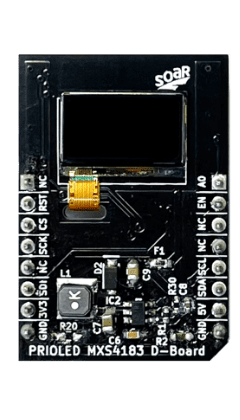 Display Spec Sheet60x32dot 0.5inchInterface Spec SheetSPI or I2C
 -
MXS8499 Evaluation Board
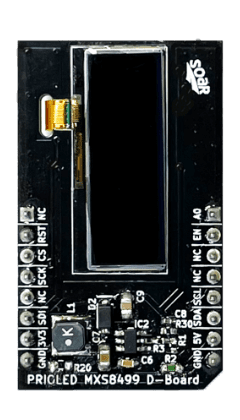 Display Spec Sheet128x36dot 0.9inchInterface Spec SheetSPI or I2C
 -
MXS4173 Evaluation Board
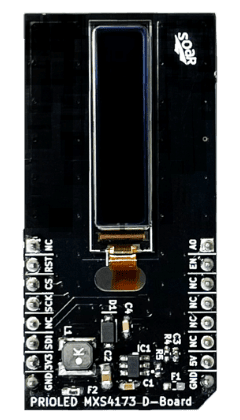 Display Spec Sheet128x22dot 0.9inchInterface Spec SheetSPI
 -
MXS8500 Evaluation Board
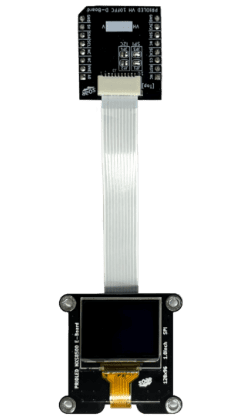 Display Spec Sheet128x96dot 1.0inchInterface Spec SheetSPI
 -
MXS4180 Evaluation Board
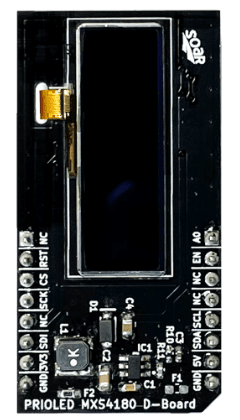 Display Spec Sheet128x36dot 1.1inchInterface Spec SheetSPI or I2C
 -
MXS8501 Evaluation Board
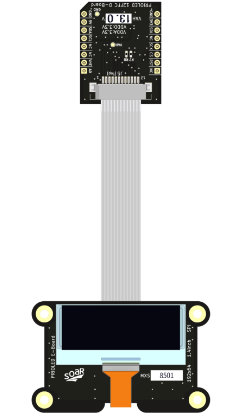 Display Spec Sheet192x64dot 1.4inchInterface Spec SheetSPI
 -
MXS4182 Evaluation Board
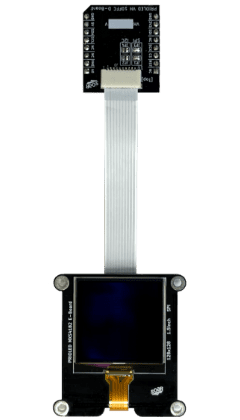 Display Spec Sheet128x128dot 1.5inchInterface Spec SheetSPIMXS4046 Evaluation Board
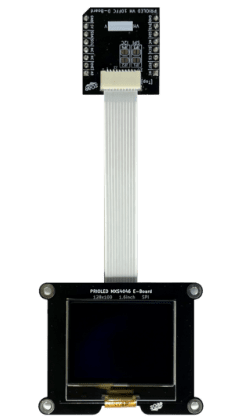 Display Spec Sheet128x100dot 1.6inchInterface Spec SheetSPIMXS4064 Evaluation Board
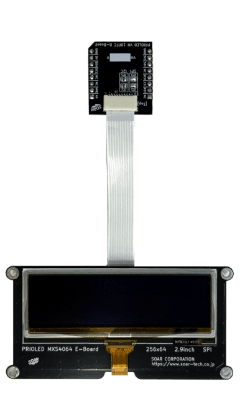 Display Spec Sheet256x64dot 2.9inchInterface Spec SheetSPIMXS4035 Evaluation Board
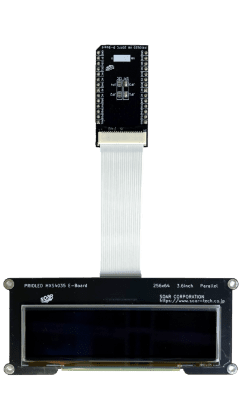 Display Spec Sheet256x64dot 3.6inchInterface Spec SheetSPI or ParallelMXS4209 Evaluation Board
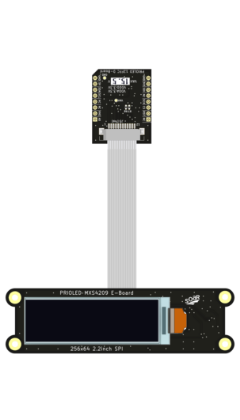 Display Spec Sheet256RGBx64dot 2.2inchInterface Spec SheetSPIMXS4210 Evaluation Board
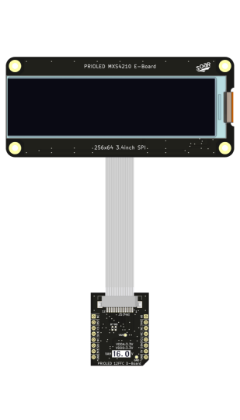 Display Spec Sheet256RGBx64dot 3.4inchInterface Spec SheetSPI
 Control / Conversion Board
| No. | Category | Board Name | Supported I/F |
Main Application | Specifications |
|---|---|---|---|---|---|
| 1 | RP MCU |
RP2040 Control Board |
Parallel/ SPI/I2C |
Display Check (Standard Environment) |
open_in_new |
| 2 | RP MCU |
Raspberry Pi Pico Control Board |
Parallel/ SPI/I2C |
Display Check (PC Control Compatible) |
open_in_new |
| 3 | RP MCU |
Raspberry Pi Pico 2 Control Board |
Parallel/ SPI/I2C |
High-Speed Verification | open_in_new |
| 4 | RP MCU |
Raspberry Pi Pico Conversion Board |
Parallel/ SPI/I2C |
Embedded Development Using Pi Pico Assets |
open_in_new |
| 5 | Arduino | Arduino UNO Conversion Board |
Parallel/ SPI/I2C |
Arduino Intro Development | open_in_new |
| 6 | Arduino | Arduino MKR Conversion Board |
Parallel/ SPI/I2C |
Rapid Prototyping | open_in_new |
| 7 | Arduino | Portenta H7 Conversion Board |
Parallel/ SPI/I2C |
Industrial Prototype Development | open_in_new |
| 8 | ESP32 | ESP32 DevKitC Conversion Board |
Parallel/ SPI/I2C |
Embedded Development Using ESP32 Assets |
open_in_new |
| 9 | ESP32 | ESP32-S3 DevKitC Conversion Board |
Parallel/ SPI/I2C |
Edge AI / IoT Development | open_in_new |
| 10 | ESP32 | ESP32-C6 DevKitC Conversion Board |
SPI/I2C | Smart Home Product Development | open_in_new |
| 11 | ESP32 | ESP32-C5 DevKitC Conversion Board |
SPI/I2C | Industrial & Commercial IoT Development |
open_in_new |
| 12 | ESP32 | ESP32-H2 DevKitM Conversion Board |
SPI/I2C | Low-Power IoT Product Development |
open_in_new |
| 13 | STM32 | Nucleo-32 Conversion Board |
Parallel/ SPI/I2C |
Embedded Product Development with STM32 |
open_in_new |
| 14 | Multi | Feather Conversion Board |
Parallel/ SPI/I2C |
Battery-Powered PoC | open_in_new |
| 15 | Multi | XIAO Conversion Board |
SPI/I2C | Ultra-Compact PoC | open_in_new |
| 16 | SBC | Raspberry Pi Conversion Board |
Parallel/ SPI/I2C |
Image Processing / Gateway Development |
open_in_new |
| 17 | SBC | Raspberry Pi Zero Conversion Board |
Parallel/ SPI/I2C |
IoT Edge Device / Smart Node Development |
open_in_new |
| 18 | I/F | FT232H Control Board |
SPI/I2C | PC-Controlled Display Evaluation (Standard Environment) |
open_in_new |
| 19 | I/F | FT232H Module Conversion Board |
Parallel/ SPI/I2C |
PC-Controlled Display Evaluation (Existing Environment Utilization) |
open_in_new |
| 20 | I/F | MCP2221A Module Conversion Board |
I2C | PC-Controlled Display Demo | open_in_new |
| 21 | Other | Teensy4.1 Conversion Board |
Parallel/ SPI/I2C |
High-Speed & Real-Time Control PoC | open_in_new |
| 22 | Other | micro:bit Conversion Board |
Parallel/ SPI/I2C |
Simple PoC Development | open_in_new |
| 23 | Other | 26pins Connector Conversion Board |
Parallel/ SPI/I2C |
Custom Circuit / Stable Connection / Board Replacement |
open_in_new |
with Soldering Connection
Please contact us for more information.

Purchase inquiry
for Eval Kit
evaluation kit selection, system configuration combinations, and interface compatibility.
If you are unsure which board to choose or would like to confirm compatibility
with your existing environment, please feel free to contact us at any stage.
For more advanced evaluation and development, you can also take advantage of the following solutions.
- Optional boards for interface conversion and functional expansion of display evaluation boards
- Module-interface-compliant display PCB module with integrated peripheral circuits
- A display integration kit ideal for evaluation in compact enclosures
Explore our solutions that support everything from display evaluation to product commercialization
>> Display Solution page
OLED for Eval Kit
Check here for the model number and specification that matches your development application.
Customized OLED
SOAR CORPORATION, the former “Yonezawa Plant” of Tohoku Pioneer Corporation who succeeded in mass production of OLED displays for the first time in the world, will introduce you high-value-added OLED products such as ultra-thin, high-brightness dot matrix, ultra-narrow frame, and free-form OLED.

Company Profile
As the specialist of OLED display technologies, we will provide you the right solution for your products. Please visit here to know more about our company.